Work / Photo to Minecraft building
Photo to Minecraft building
An on-device pipeline that turns one picture of a house, whether a photo, a sketch or a painting, into a playable Minecraft build.
| Type | Personal project |
|---|---|
| Timeline | Sep 2026, ongoing |
| Status | In progress |
| Stack | Python, PyTorch, DINOv2, ONNX Runtime, Java 21, TypeScript, WebGL2, Fabric and NeoForge (Minecraft 1.21.1) |
| Code | Private repository, walkthrough on request |
Animation in four steps. 1, the input: a pencil sketch of a two-storey Tudor house. 2, read: the roof, timber-framed walls, windows, door, chimney and the two storeys are marked on the sketch. 3, describe: a building description lists house, medieval rural Tudor plaster style, 2 storeys, a 14 by 24 block footprint, a steep red-tile gable roof, lime plaster walls with a dark timber frame, a red brick chimney and a centred front entrance. 4, build: a simplified Minecraft-style Tudor house is assembled block by block.
The problem
Players love recreating buildings in Minecraft, but doing it well takes hours and real building craft. Blocks are one-metre cubes from a limited palette, so detail has to come from technique (stairs for a roof pitch, slabs, trapdoors for shutters), not from resolution. A single picture also hides three sides and the whole interior, and pictures come in every style: photos, anime art, pencil sketches, pixel art.
The goal: give it one picture of a house, in any style, and get back a complete Minecraft house with Minecraft proportions, real building techniques and finished back sides. It has to run offline on a player’s PC while the game is running, so a large general vision-language model is out of the question.
How it works
The principle is simple: the AI only reads; the engine builds.
1Read the picture
- Building type, style, storeys, roof
- Wall, window and door pixels
- Coarse 3D voxels of the shape
- Style and materials
Small DINOv2-based models, ONNX Runtime in a separate Java process
2Describe it
- Volumes and floors
- Roofs and facade grids
- Materials and palette
An editable building description. Edits rebuild in milliseconds.
3Build it
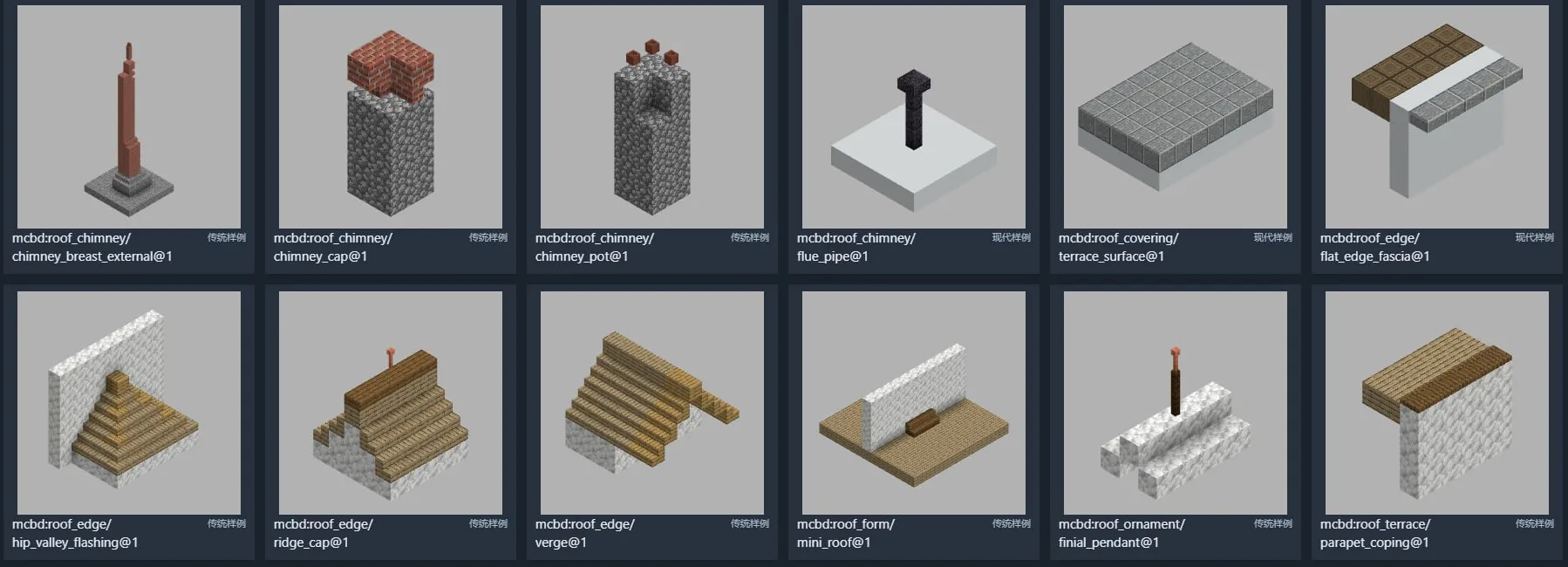
- Parametric component library
- Real building techniques
- Invents the unseen sides
Deterministic Java engine, then checks that rooms are reachable, lit and supported
4Place it
- Desktop preview studio
- Fabric and NeoForge mod
Ghost preview in the world: move, rotate, place, undo
- Read. Small models read the picture: what kind of building it is, its style, storeys and roof; which pixels are wall, window and door; and a coarse 3D voxel estimate of its shape.
- Describe. Everything goes into an editable building description. Changing a value rebuilds the house without running the models again.
- Build. A deterministic Java engine turns the description into blocks with real Minecraft techniques, completes the sides the picture doesn’t show, and checks the result is walkable and safe to play in.
- Place. The build opens in a desktop preview, or in the game through the mod, where you can position it and place it block by block.
Key decisions
- A description plus an engine, not end-to-end voxels. A model that outputs blocks directly would produce invalid, uneditable builds. Splitting the job means perception only has to describe what it sees, while the engine guarantees that any valid description becomes a legal house, and that the same description always gives the same build.
- Small models on the device instead of a general VLM. Players can’t download tens of gigabytes, and general models are slow on a CPU and poor at counting floors. So the pipeline uses small task models exported to ONNX and runs them in a separate Java process, where a crash can’t take the game down. A large LLM is used only offline, as a teacher that labels training pictures.
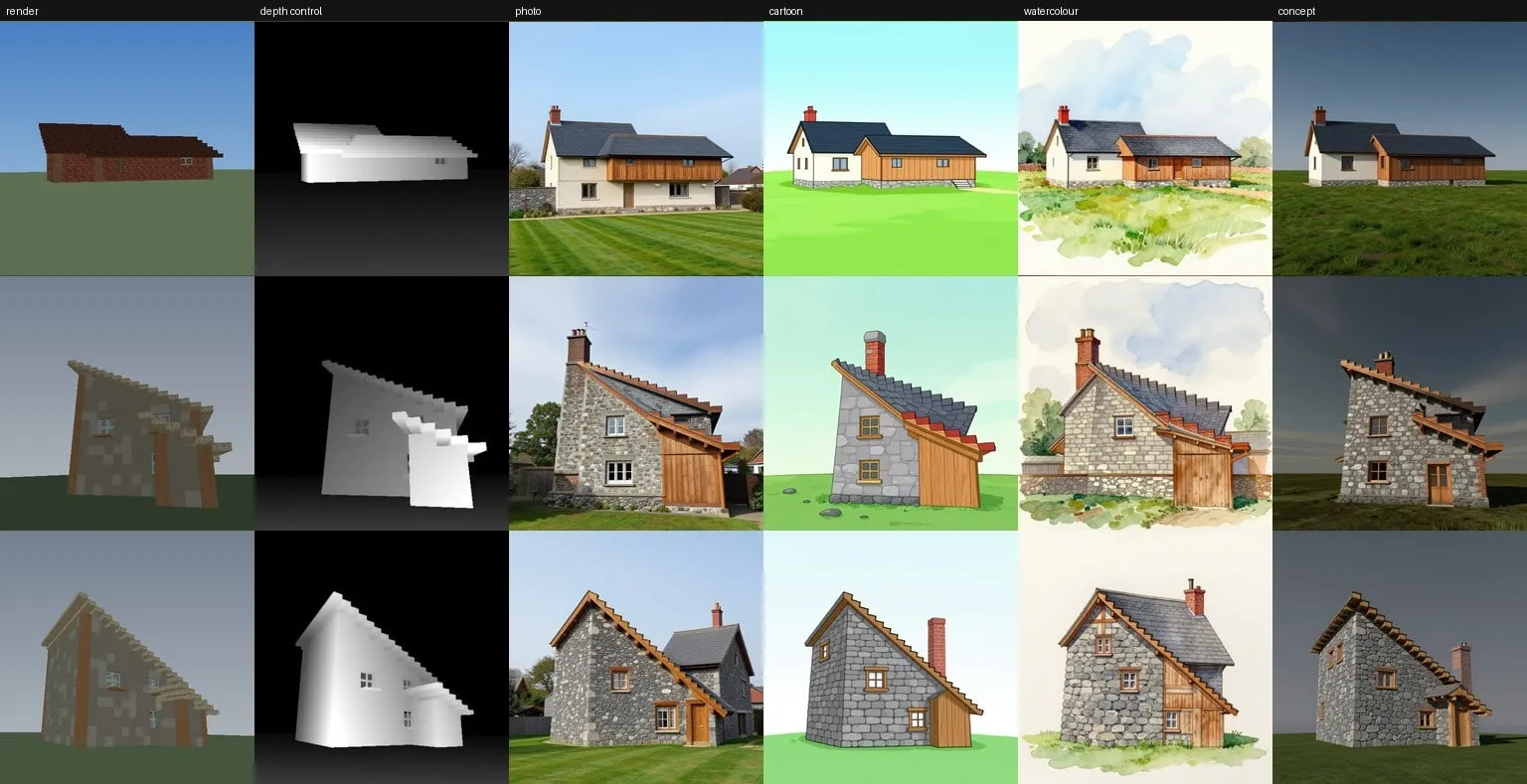
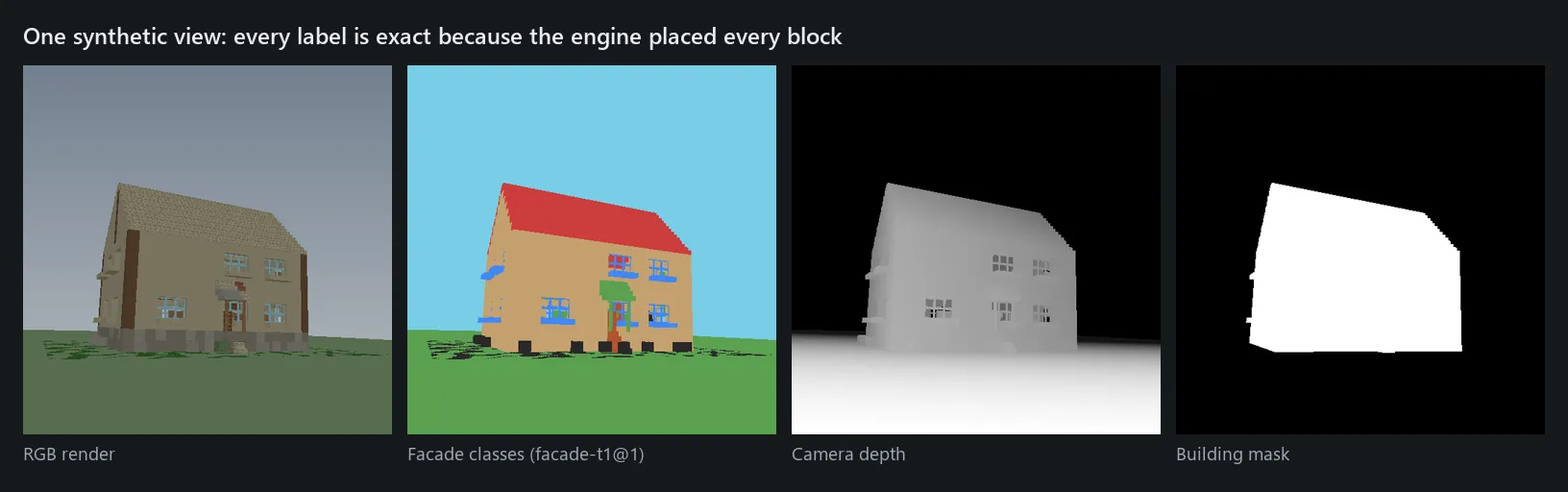
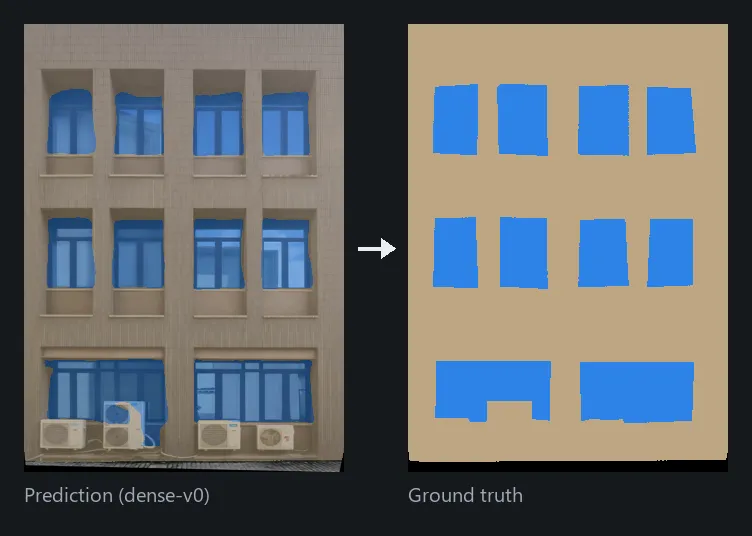
- A GPU synthetic-data factory, and an honest negative result. No dataset labels doors, roofs or facade grids the way the engine needs, so I built a WebGL2 renderer over the engine that outputs every image with pixel-exact labels. Training the facade model on those synthetic images alone made it worse on real photos (63.8 vs 75.0 mIoU), so the model trained on real facades stayed. The factory proved its worth later, as the label source for the 3D model and for restyled training pictures.
- A 3D model for the shape. Flat attributes weren’t enough to recover a building’s massing, so the pipeline gained a model that predicts semantic voxels (wall, roof, window, door and more) from the picture; the Java side fits them back into an editable description. This lifted the end-to-end building IoU from 0.515 to 0.588.
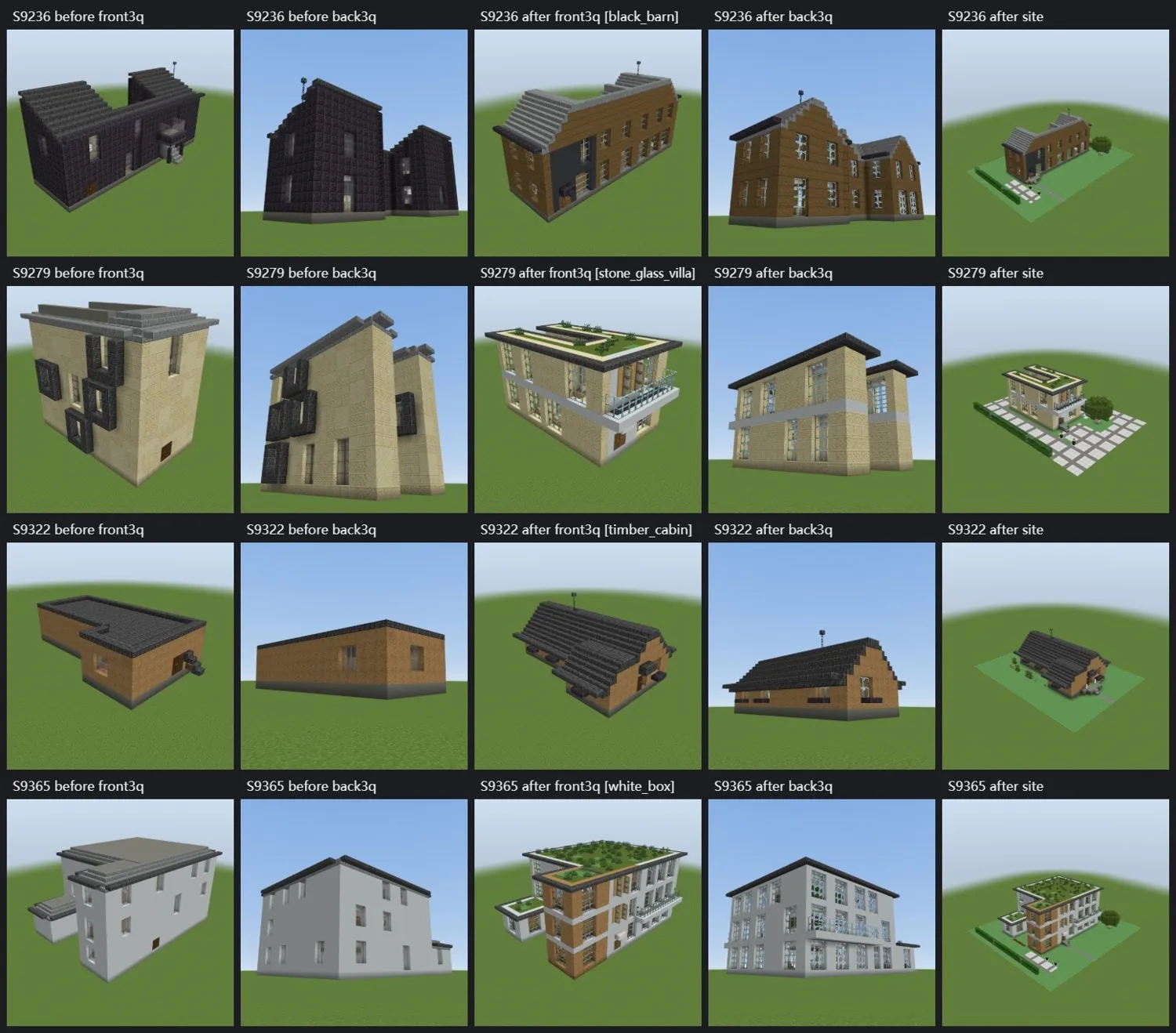
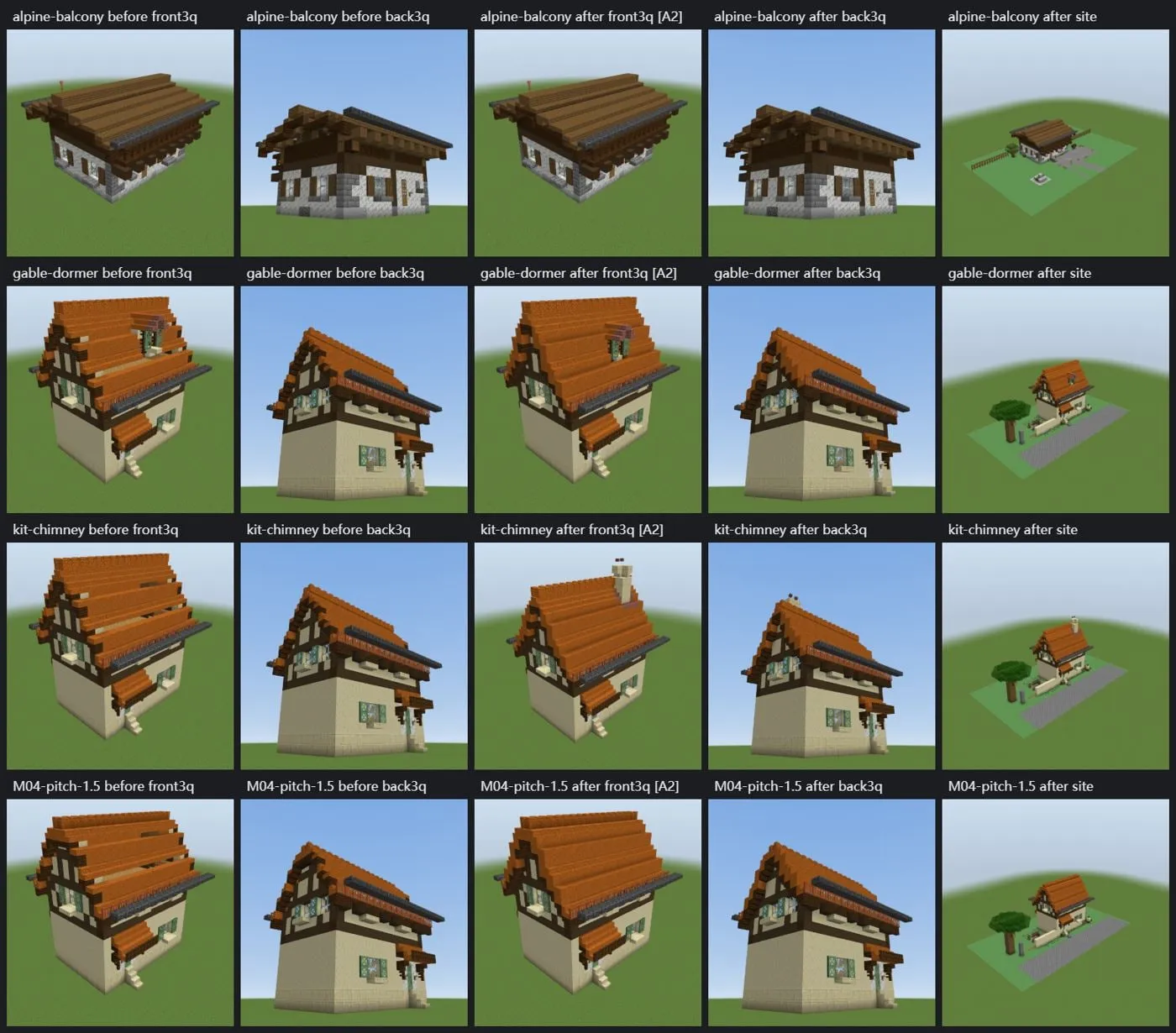
- An “aesthetic floor”. Recognition will sometimes be wrong, so the engine has to produce a good-looking house from any description: curated style kits, a step that snaps descriptions onto them, and checks that catch ugly combinations.
Results so far
| Measure | Value | Context |
|---|---|---|
| Facade segmentation | 75.0 mIoU | hznu facade benchmark, 5 classes |
| Global attribute model | 97.2%, 96.4%, 88.5% | Medium, style family and view on real photos; matches its LLM teacher at about 50 MB and 48 ms on a CPU |
| Synthetic data factory | 385.8 images/min | Each image with 9 pixel-exact label channels |
| End-to-end building IoU | 0.515 → 0.588 | +0.073 (90% CI 0.042 to 0.107) over 21 reference houses |
| Engine rebuild | about 85 ms | Median time to rebuild a house exterior, so edits feel instant |
| Mod | 44/44 GameTests | On both Fabric and NeoForge |
Inputs shown on this page are AI-generated test pictures. Renders use Minecraft's own block textures from a local copy of the game.
What it makes
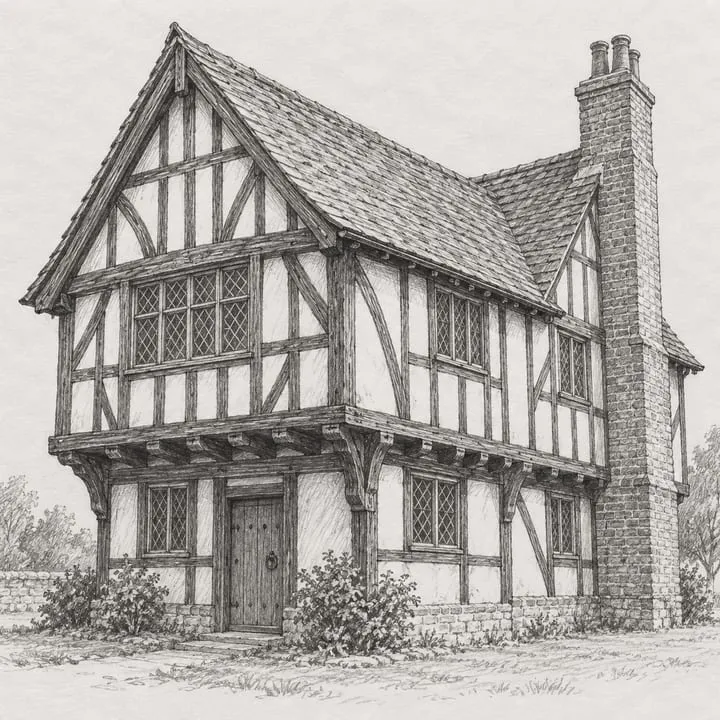 Pencil sketch
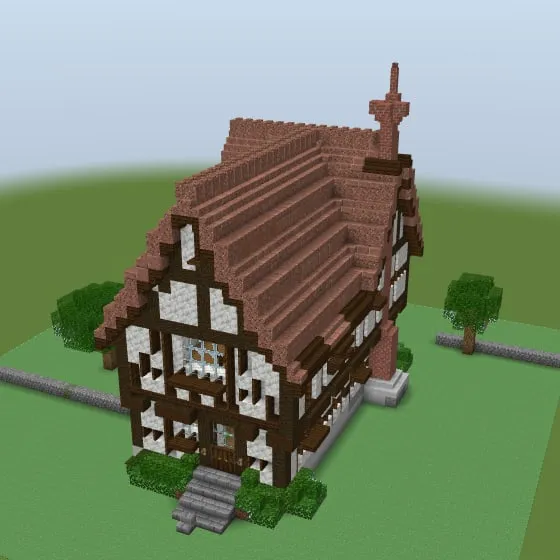 Build
Build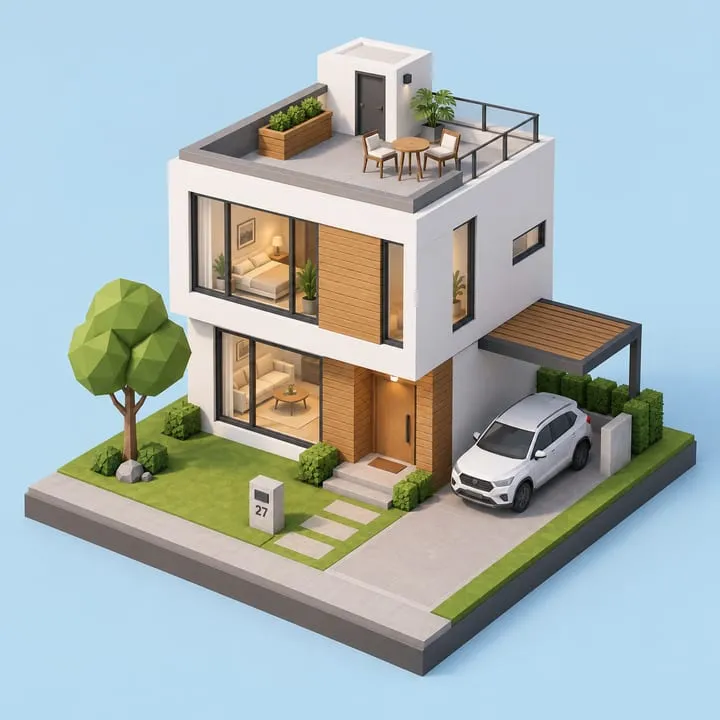 3D render
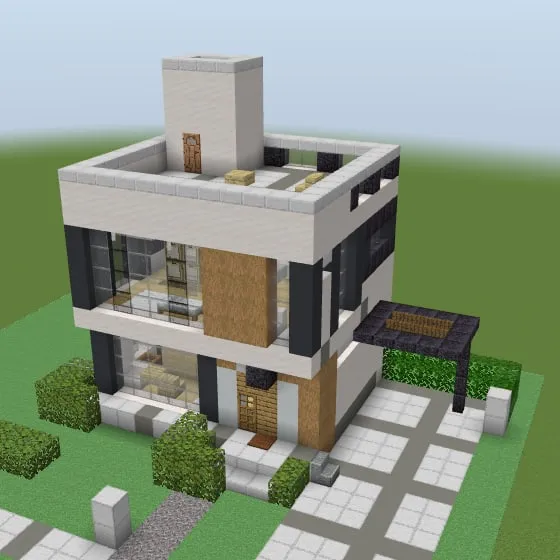 Build
Build Pixel art
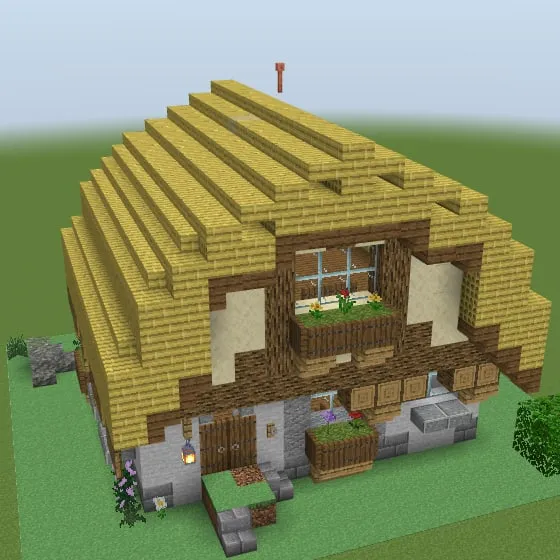 Build
Build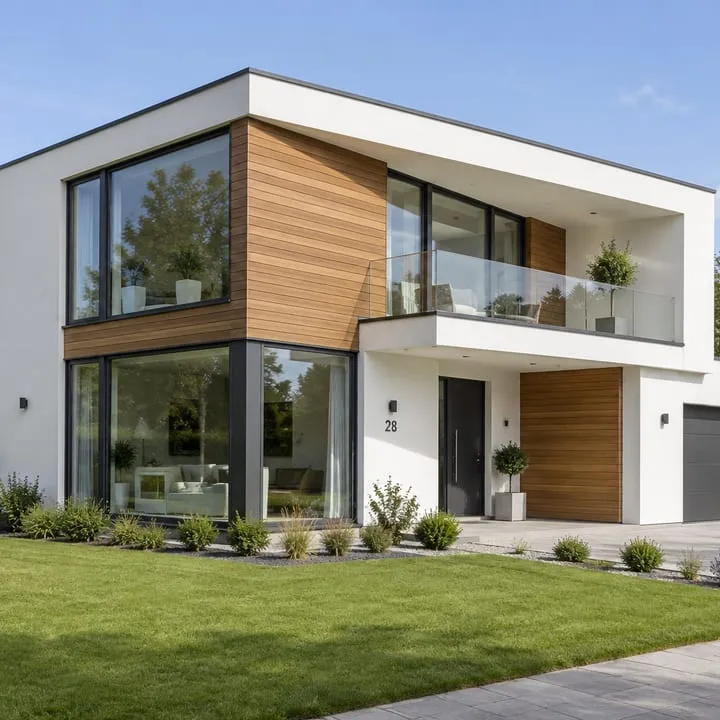 Photorealistic
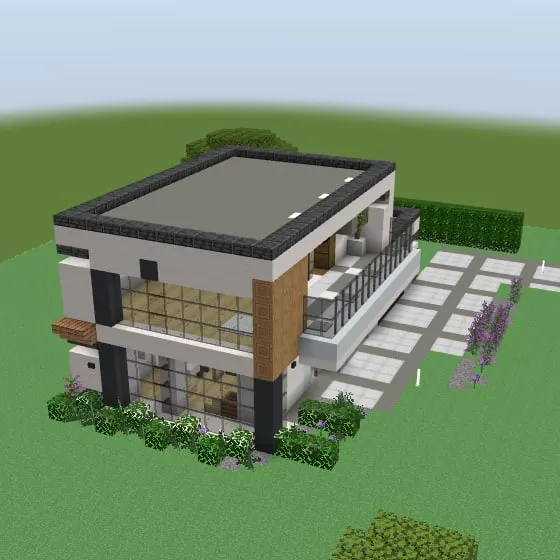 Build
Build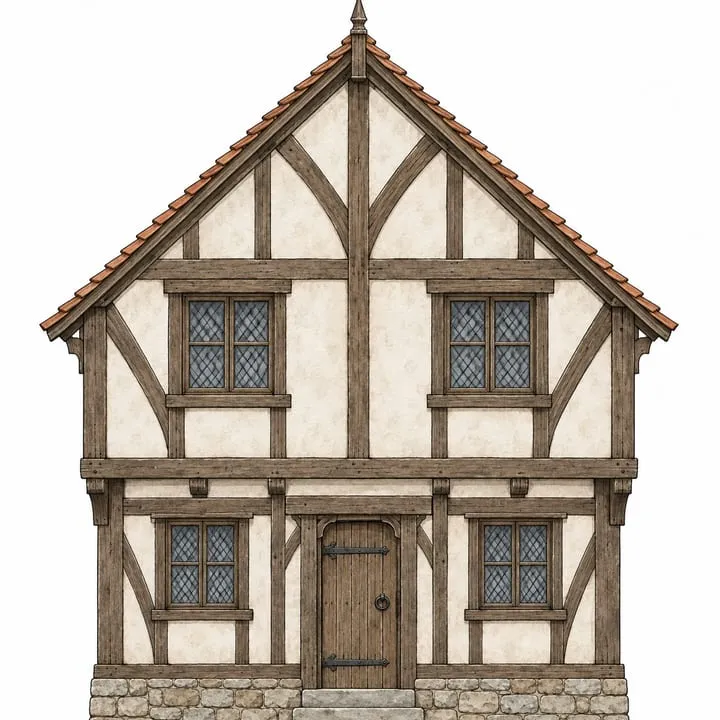 Elevation drawing
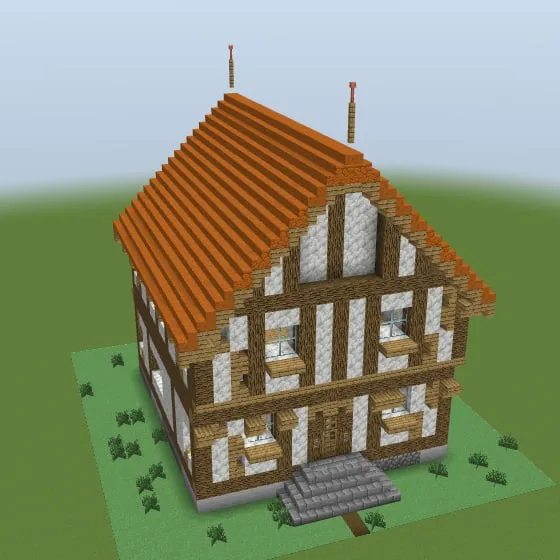 Build
Build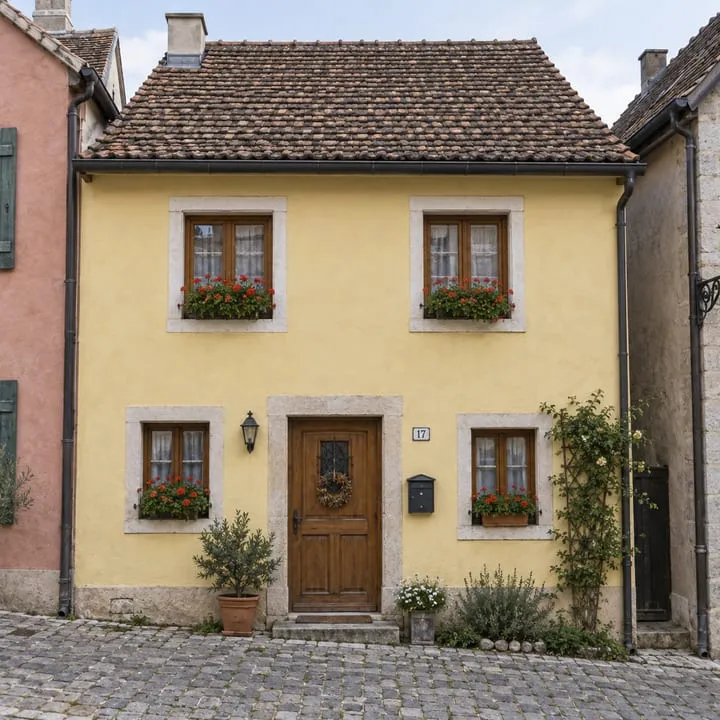 Street scene
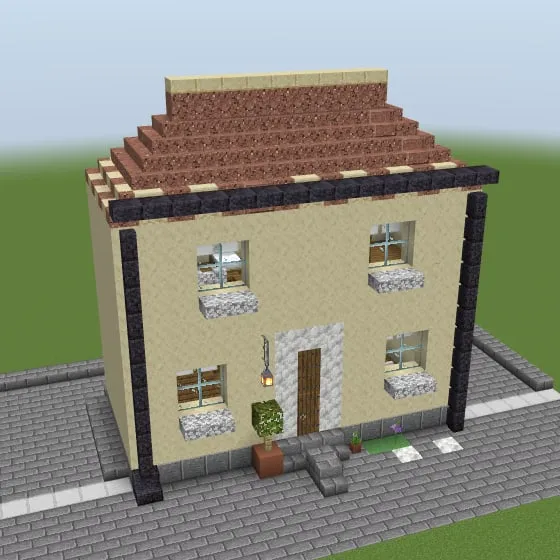 Build
Build
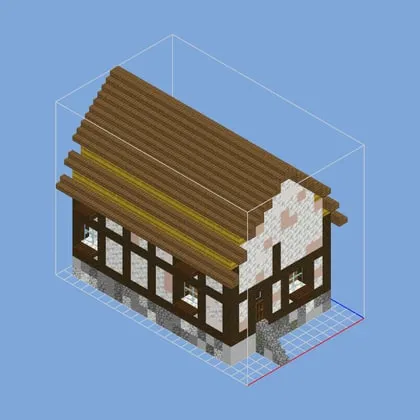 Sep 28, day 2
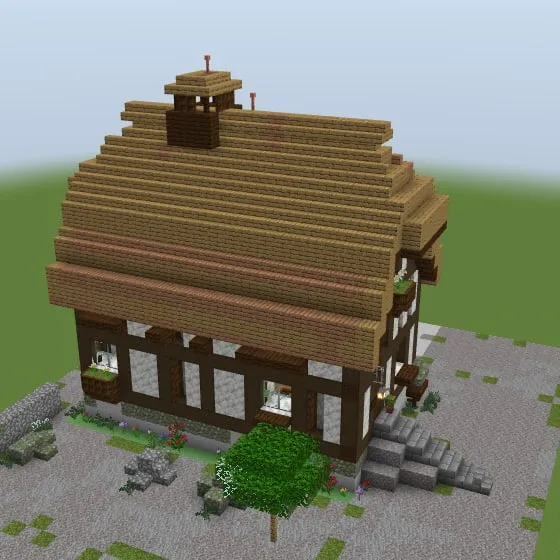 Oct 16, after the craft passes
Not an official Minecraft product. Not approved by or associated with Mojang or Microsoft. Facade segmentation trained and evaluated on the hznu facade dataset (CC BY 4.0).